Choose Your Situation
Find the right calculator based on your needs — from trips and dining to rent and subscriptions.
🚗 Travel & Trips
Split fuel, hotel, and travel costs easily.
🏠 Roommates
Split rent, utilities, and shared living costs.
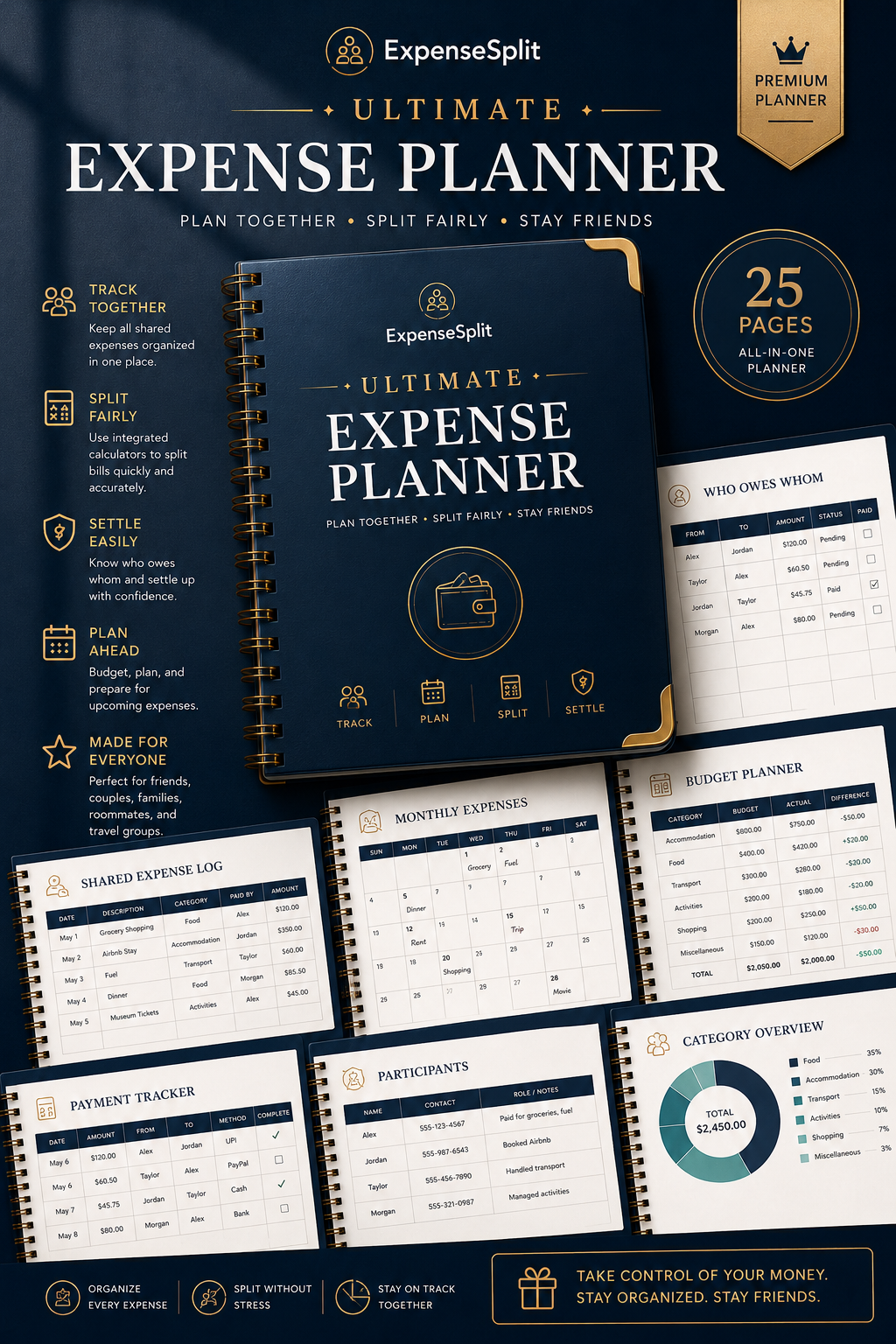
Take Expense Tracking Beyond The Calculator
Love our free calculators? The ExpenseSplit Ultimate Expense Planner helps you organize shared expenses, budgets, payments, and settlements in one beautifully designed printable planner.
- ☑️ 25 Premium Printable Pages
- ☑️ Expense Logs & Budget Planners
- ☑️ Who Owes Whom Tracker
- ☑️ Monthly Expense Sheets
- ☑️ Works for Friends, Trips & Roommates
$6.99 — Instant digital download
View Planner →Optional premium planner. All ExpenseSplit calculators remain completely free.
💙 Why I Built ExpenseSplit
Hi, and welcome to ExpenseSplit.
ExpenseSplit started from a problem I've seen again and again in everyday life. Whether it was splitting restaurant bills with friends, dividing rent and utilities with roommates, or managing costs during group trips, the same question always seemed to come up: "Who owes whom?"
What should have been a simple calculation often became confusing. Someone paid for dinner, someone else booked the accommodation, another person covered fuel costs, and before long people were scrolling through messages trying to figure everything out.
I created ExpenseSplit because I wanted a simpler solution.
Instead of forcing people to download another app, create accounts, or learn complicated software, I wanted to build practical tools that solve specific expense-sharing problems quickly and clearly.
Today, ExpenseSplit includes calculators and guides for trips, roommates, restaurants, grocery sharing, subscriptions, weddings, and many other situations where people need a fair way to divide costs.
My goal is simple: help people spend less time calculating expenses and more time enjoying the experiences they're sharing.
Thank you for visiting ExpenseSplit and supporting this project.